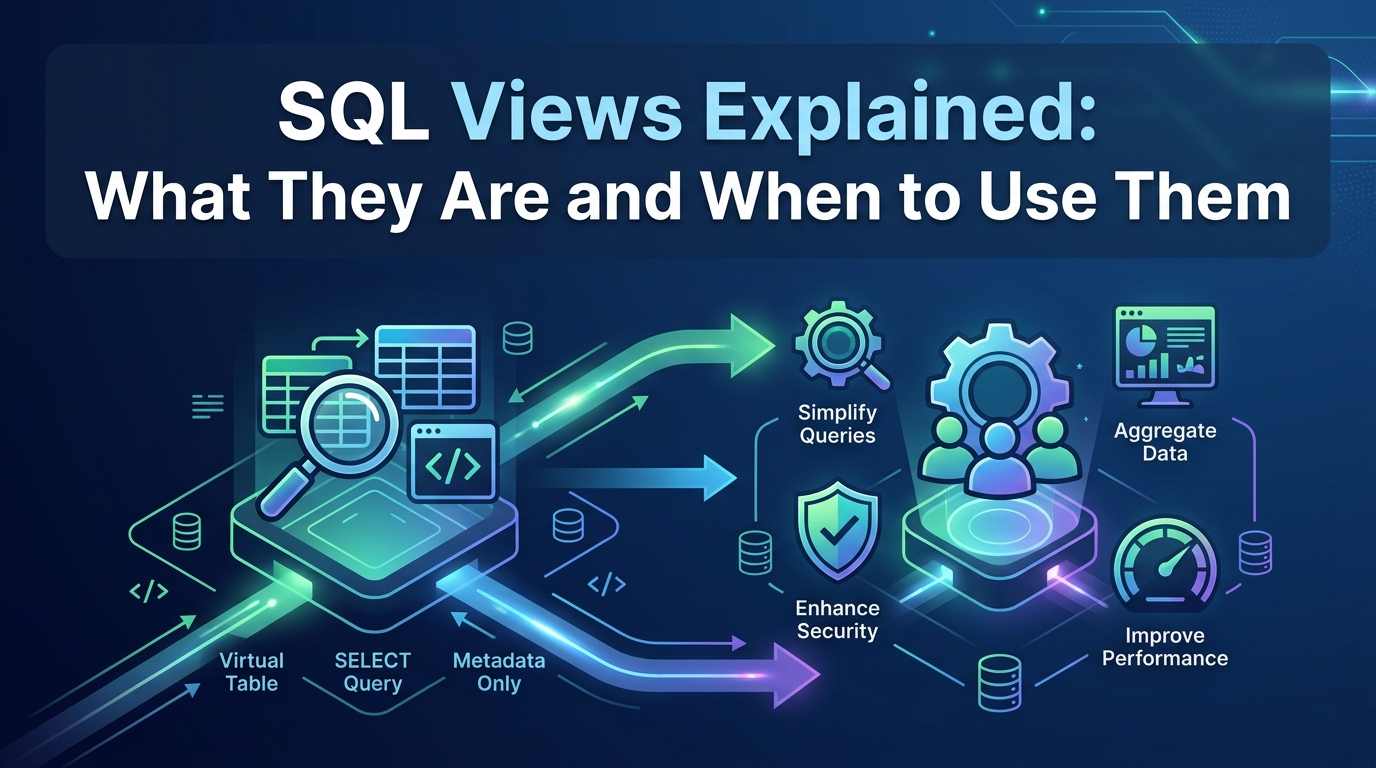

If you have ever found yourself writing the same complex JOIN or filter in multiple places, you have already discovered the problem that SQL views were designed to solve.
A view lets you save a query and treat it like a table. You define the logic once, give it a name, and reference it wherever you need it. No copying, no repeating, no inconsistency.
This post covers what views are, how to create them, the different types, and when they are the right tool to reach for.
What is a SQL view?
A view is a named, saved SQL query stored in the database. When you query a view, the database runs the underlying query and returns the result, but no data is physically duplicated. The view always reflects the current state of the base tables it is built on.
Think of it as a window into your data. You define what the window shows and how it is filtered, and every time you look through it, you see the latest picture.

Types of SQL views
Not all views work the same way. There are four main types, each suited to a different use case.
 Simple view — built on a single table with no aggregations or GROUP BY. Because the structure maps cleanly back to the source, most databases allow INSERT, UPDATE, and DELETE operations through a simple view.
Complex view — involves JOINs, subqueries, or GROUP BY clauses. These are typically read-only because the database cannot always map a change back to the correct row in the correct table.
Materialized view — unlike standard views, this one physically stores the query result. Reads are much faster because the data is pre-computed, but the view needs to be refreshed when the underlying data changes. Common in data warehousing and analytics.
Updatable view — a view that satisfies certain criteria (single table, no DISTINCT or GROUP BY, no aggregate functions) so that write operations on the view flow back to the base table.
Why use views?
Views solve three problems that come up in almost every real-world SQL project.
- Reusability. If your reporting queries all need the same filtered and joined dataset, a view centralises that logic. Change it in one place and everything using the view is automatically updated.
- Security. You can grant a user access to a view without giving them access to the full table. Sensitive columns like salaries or personal identifiers stay hidden while the user works with only what they need.
- Simplicity. A view named monthly_revenue_by_region is far more readable than the 30-line query it wraps. Junior analysts and business users can query it without needing to understand the underlying data model.
Views vs direct queries — when to use each
Views are not always the right choice. Here is a quick guide to help you decide:

The key insight is that views add a layer of indirection. That layer pays off when the underlying logic is complex and reused. It is unnecessary overhead for a quick analysis you will run once.
A few things to keep in mind
• Views do not store data (unless materialized), so performance depends on the underlying query. A poorly written base query creates a slow view.
• Avoid SELECT * in views. If the base table adds or removes columns, the view may behave unexpectedly. Always name your columns explicitly.
• Not all databases support all view types. Materialized views are available in PostgreSQL and Oracle but not in standard MySQL. Always check your database documentation.
• Views can reference other views, but deep nesting can make debugging difficult. Keep the chain shallow.
The bottom line
SQL views are one of the most underused tools in a data professional’s toolkit. They reduce repetition, improve security, and make your SQL more readable and maintainable — all without duplicating a single row of data.
The next time you find yourself copy-pasting the same query across multiple scripts, consider wrapping it in a view instead. Define it once, name it well, and let the database do the rest.








Leave A Comment
You must be logged in to leave a comment.