
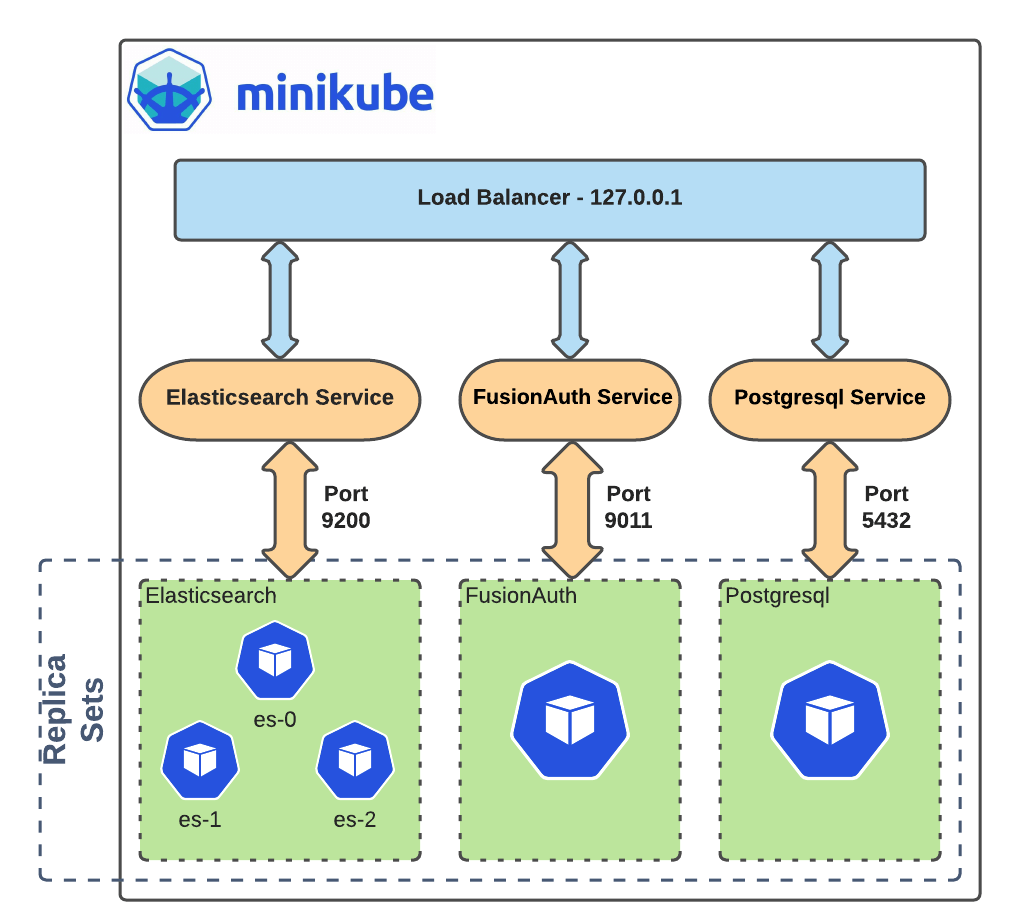
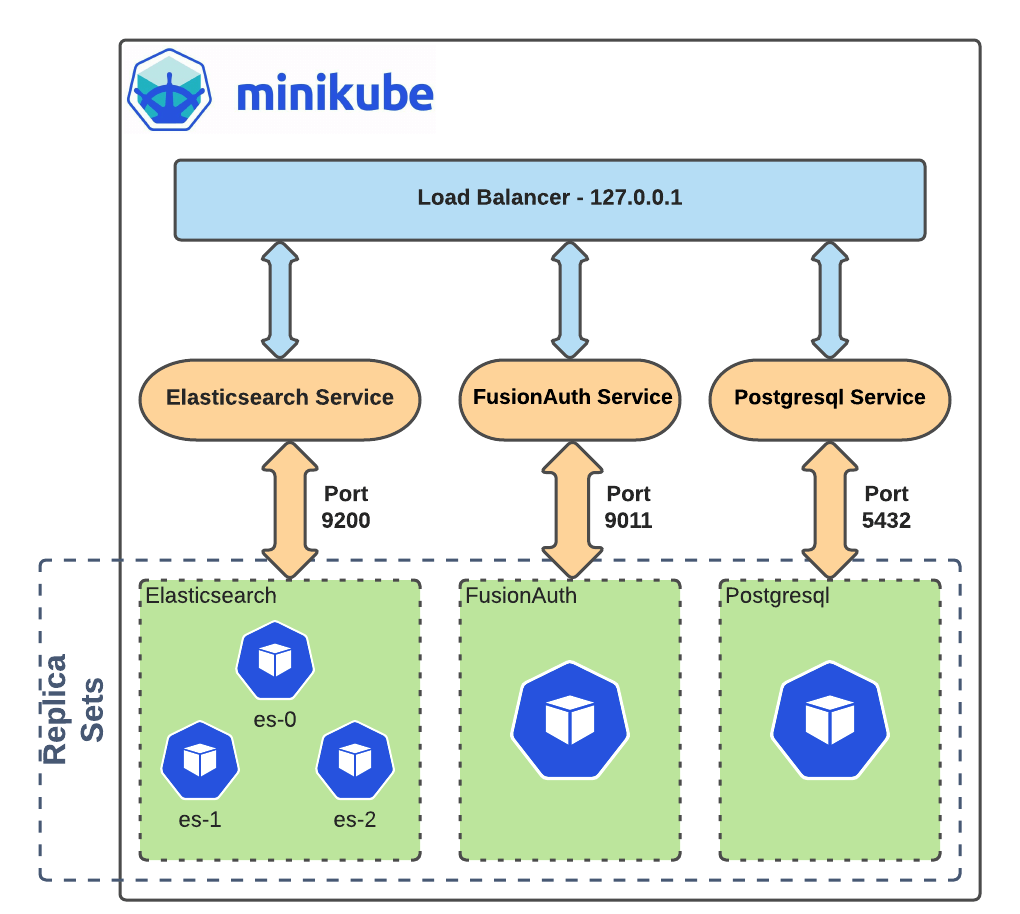
For beginners, the best way to learn Kubernetes is by running a cluster locally. This can be done using Minikube, which allows developers to run a single-node Kubernetes cluster on their laptop.
First, install Docker to run containers and install kubectl, the command-line tool used to communicate with Kubernetes clusters.
After installation, starting a cluster is as simple as running:
This command creates a local Kubernetes cluster with a control plane and worker node. Once the cluster is running, developers can deploy applications.
For example, to deploy a web server using Nginx, run:
This command creates a deployment and launches a pod running the Nginx container.
To verify the pod is running:
Next, expose the deployment so it can receive traffic:
Finally, open the application in your browser:
This launches the Nginx welcome page and confirms your Kubernetes deployment works.
You can also scale the application easily. For example:
Kubernetes instantly launches five pods running the same application, demonstrating how scalable the system is.






Comments