
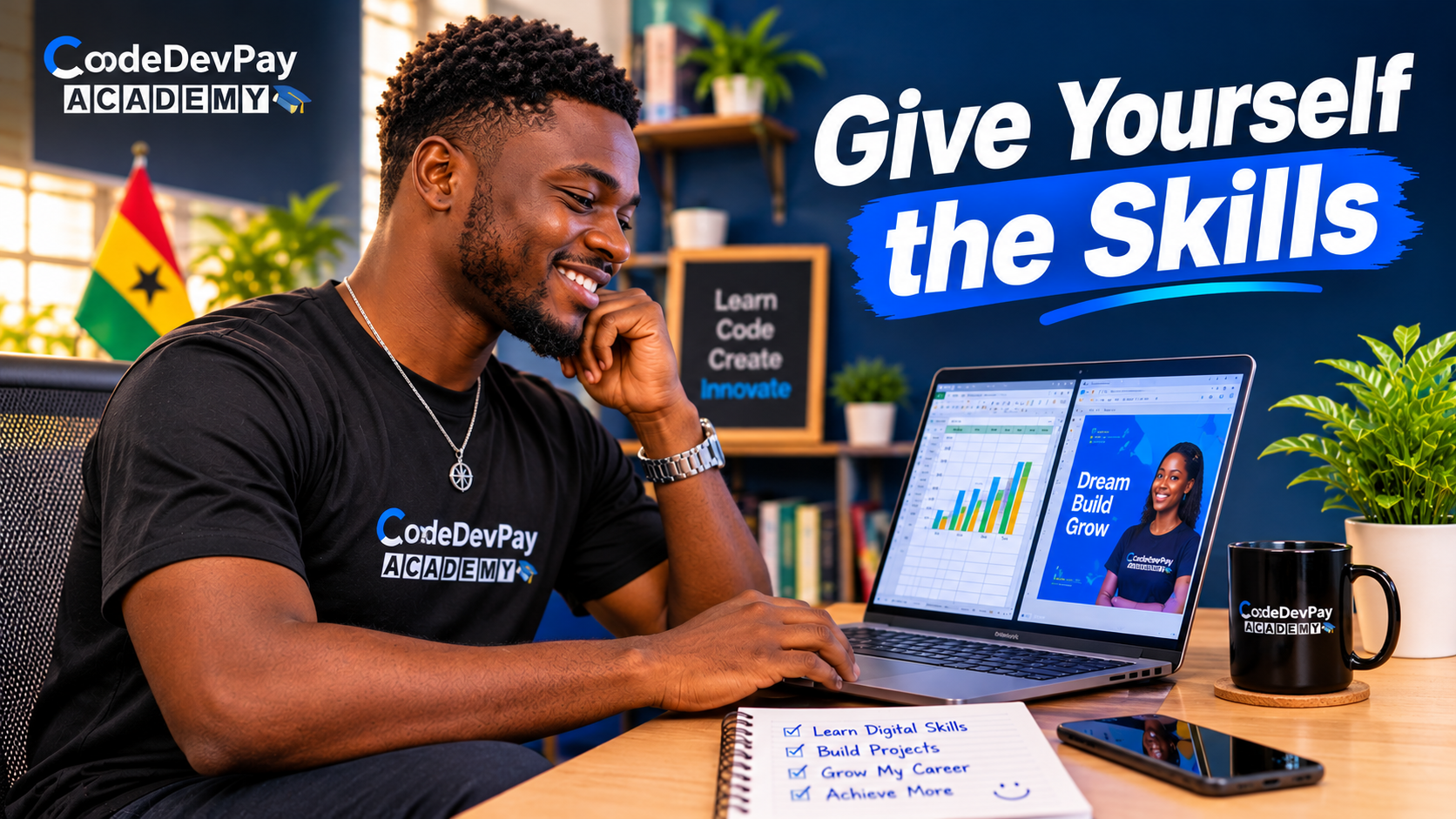
Think about the last time you copied the same information from one document into another, reformatted a weekly report, or hunted through folders for a file you were sure you saved. Now think about how often that happens. If the answer is "every week," you are not lazy or disorganised. You are probably just missing a few digital skills.
Most of us own a computer capable of far more than we ask of it. The gap is not the machine. It is knowing how to use it well. Here is where your time disappears, five skills worth learning, and a small weekend challenge.
1. Maybe You Don't Need More Time. You Need a Better System.
Many of us repeat tasks without noticing: rewriting near identical emails, redoing the same calculations, formatting the same report every week. We call it being productive, but some of that effort may not need to be done by hand at all.
Technology is built to take on exactly this kind of repetition:
- Spreadsheets handle calculations so you do not have to.
- Templates save you from reformatting the same layout again and again.
- AI tools can help with first drafts and fresh ideas.
- Automation can take care of certain routine processes.
None of this means working longer hours. Sometimes all it takes is a better system.
Try this: for one week, notice the tasks you repeat. Jot them down. That list is your map of what to learn first.
2. Are You Getting the Best Out of Your Computer?
Your computer is probably one of the most powerful tools you own, so the real question is whether you are getting the best out of it. Here are five practical skills that can change how you study, work and create.
- Excel beyond the basics. Learn to organise information, analyse data and build reports, so you can make better decisions without working through every number manually.
- AI as a thinking partner. Use it to generate ideas, improve your writing, summarise long material and look at problems from different angles.
- Professional design with Canva. Turn a simple idea into a presentation, a flyer or a social media post that looks polished.
- Advanced Microsoft Word. Build structured, professional documents without wrestling with the formatting every time.
- Learning to build, not just browse. Programming and web development show you how digital products are actually made.
None of these skills is necessarily complicated. They only feel that way before you start.
3. Start With One, Not All Five
You do not have to learn everything at once. Start with one skill, practise it, and apply it to a real problem. That sticks far longer than anything you only read about.
This table pairs each skill with a small first project.
| Skill | What it helps you do | A first small project |
|---|---|---|
| Excel | Organise and analyse data without doing every number by hand | Build a simple monthly budget with formulas |
| AI as a thinking partner | Generate ideas, improve writing, summarise information | Rewrite a rough email in three different tones |
| Canva | Turn ideas into presentations, flyers and social posts | Design one clean flyer for a real event |
| Microsoft Word | Build structured documents without fighting formatting | Set up a CV with proper styles and headings |
| Programming and web development | Understand how digital products are made | Publish a one page personal website |
4. The Weekend Challenge: One Skill, 30 Minutes
Resist the urge to write another long list of things you want to learn, or to promise to master everything. Pick one specific thing: Excel formulas, better AI prompts, your first Canva design, organised files, or a simple website.
Knowing a tool exists is different from using it to solve a problem, and watching someone else is different from doing it yourself. Three steps close that gap:
- Choose one digital skill.
- Spend 30 minutes learning it.
- Create something small with what you have learned.
REMEMBER
It does not have to be impressive. It just has to be yours.
5. Where to Start: Free Courses at CodeDevPay Academy
CodeDevPay Academy offers beginner friendly, self-paced courses with quizzes, projects and certificates. At the time of writing, these 14 are free:
| Area | Courses |
|---|---|
| AI and prompting | Generative AI Foundations; Responsible AI Course; AI-Powered Communication; AI Creative Studio; Master ChatGPT for Content Creation; Mastering Prompt Engineering with ChatGPT |
| Office skills | Master Microsoft Excel; Microsoft Word: From Beginner to Advanced |
| Design | Canva 101: Beginner's Guide to Graphic Design Basics; Adobe Photoshop Full Course: Beginner to Advanced |
| Programming and web | Python Zero to Hero: The Complete Beginner Course; JavaScript Mastery From Beginner to Pro; Web Development Foundations |
| Data | Database Fundamentals with PostgreSQL |
Many more courses are in the pipeline, so check back often at https://academy.codedevpay.com. You can also book an exam to turn your lessons into a certificate. Start small, practise, apply.
Learn • Build • Earn





Comments